
How It Works: Learn How to Use the SwitchedOn App
See how the SwitchedOn app can help you train, exercise, and rehab smarter.
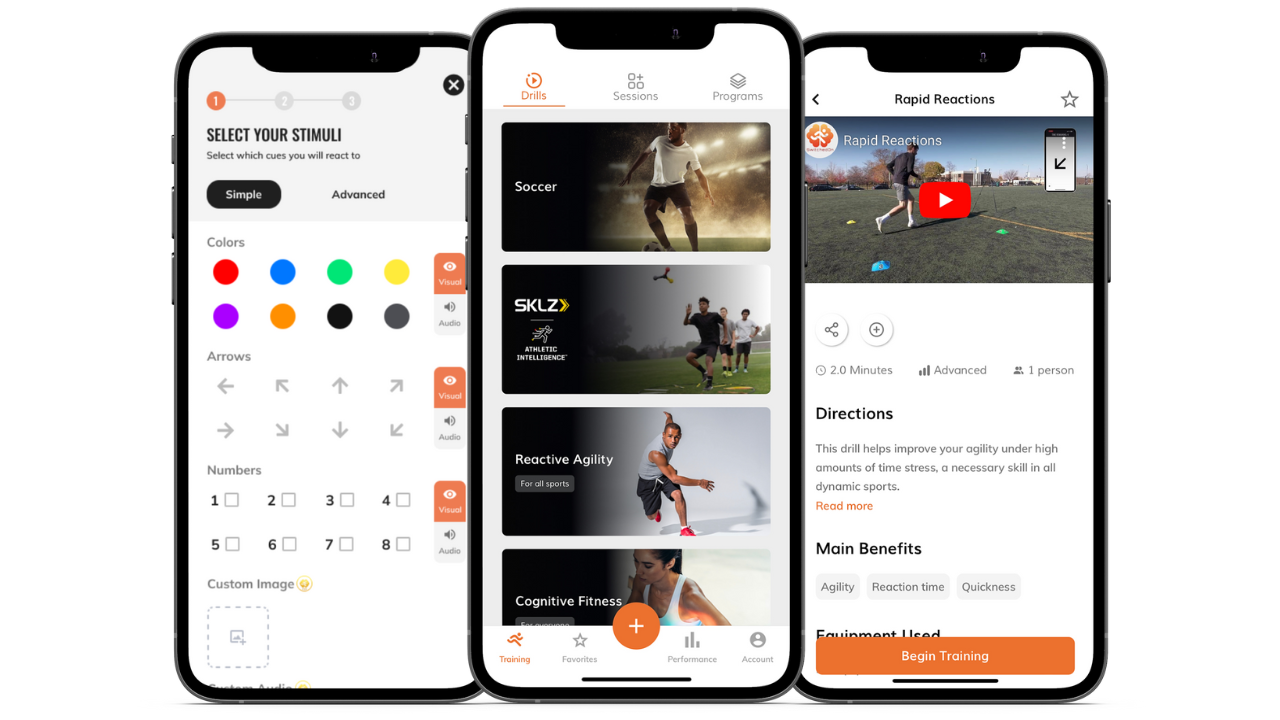
sTEP 1
DOWNLOAD THE APP AND SELECT A TRAINING ROUTINE
After downloading the app and creating an account, explore our library of expert-designed drills, sessions, or programs, or create your own custom training routine.
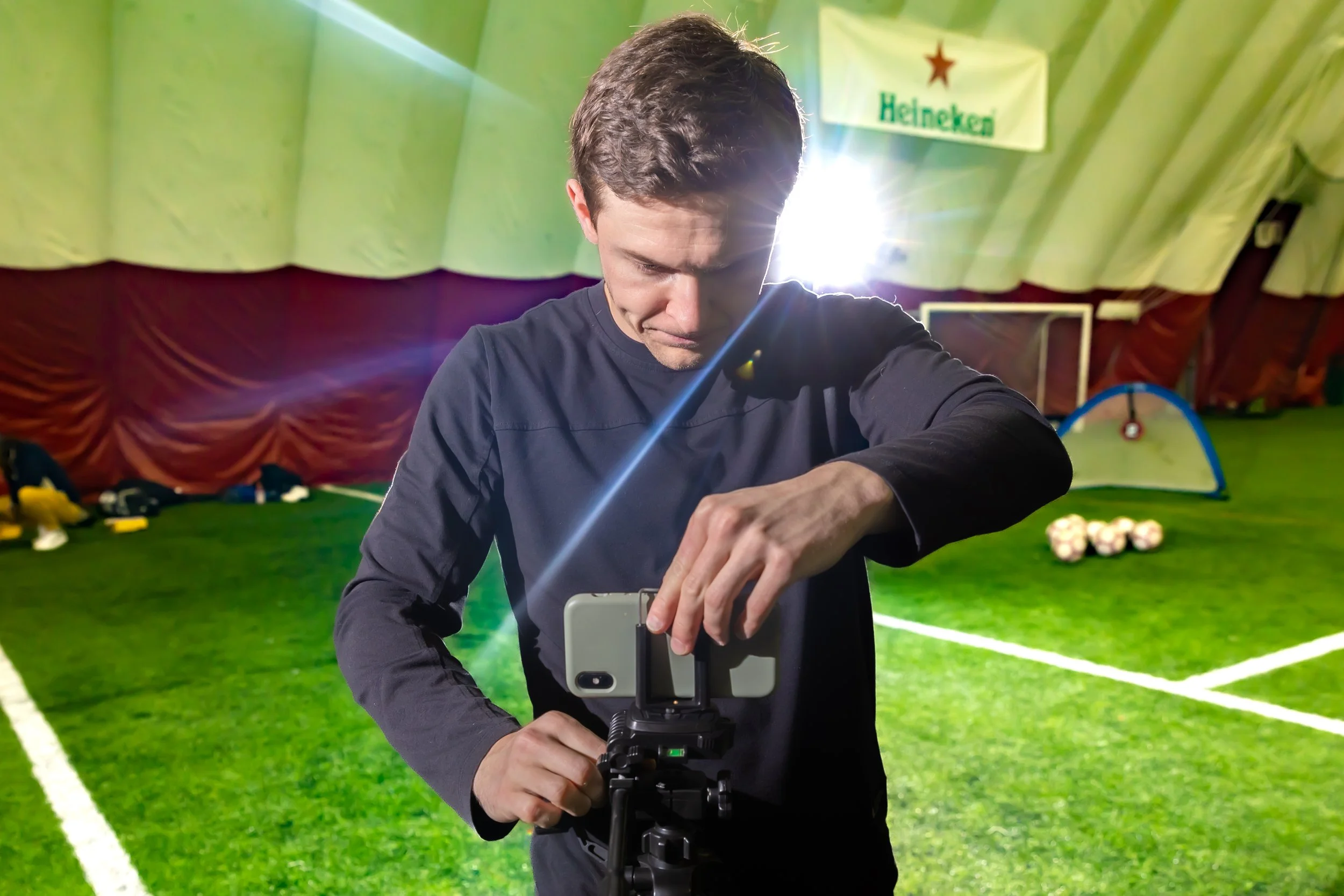
sTEP 2
SET-UP YOUR DEVICE
Set your phone/tablet up somewhere you can see (unless you're reacting to audio cues). You can lean it against a water bottle or use a tripod stand to ensure it's at eye level.
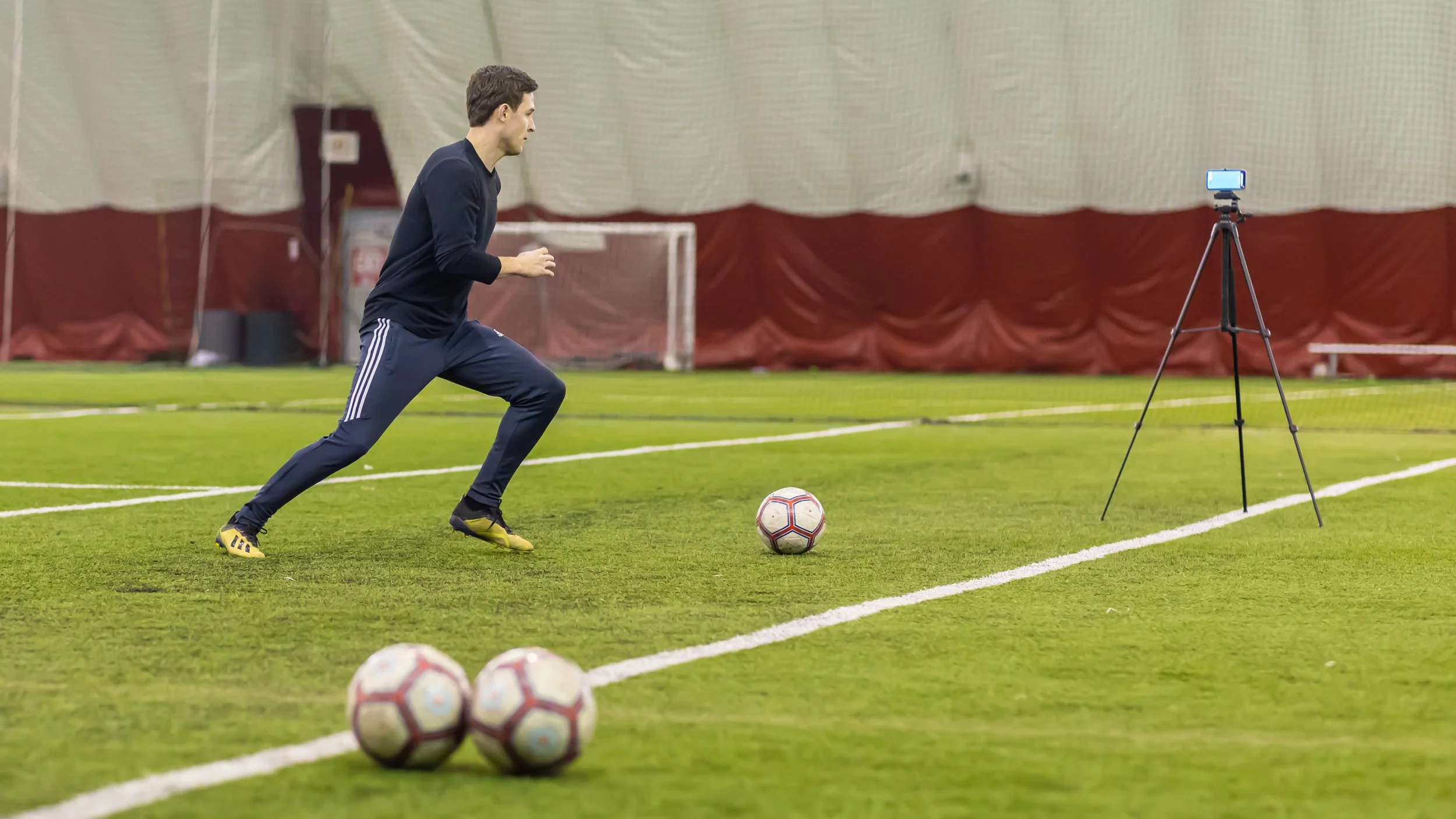
sTEP 3
PERFORM YOUR TRAINING ROUTINE
React to the app's randomized visual/audio cues (colors, numbers, etc.) with a specific action or movement to train your agility, reaction time, decision-making, visual processing, and more. The cues will transition either automatically based on a pre-determined speed or when you touch the device.
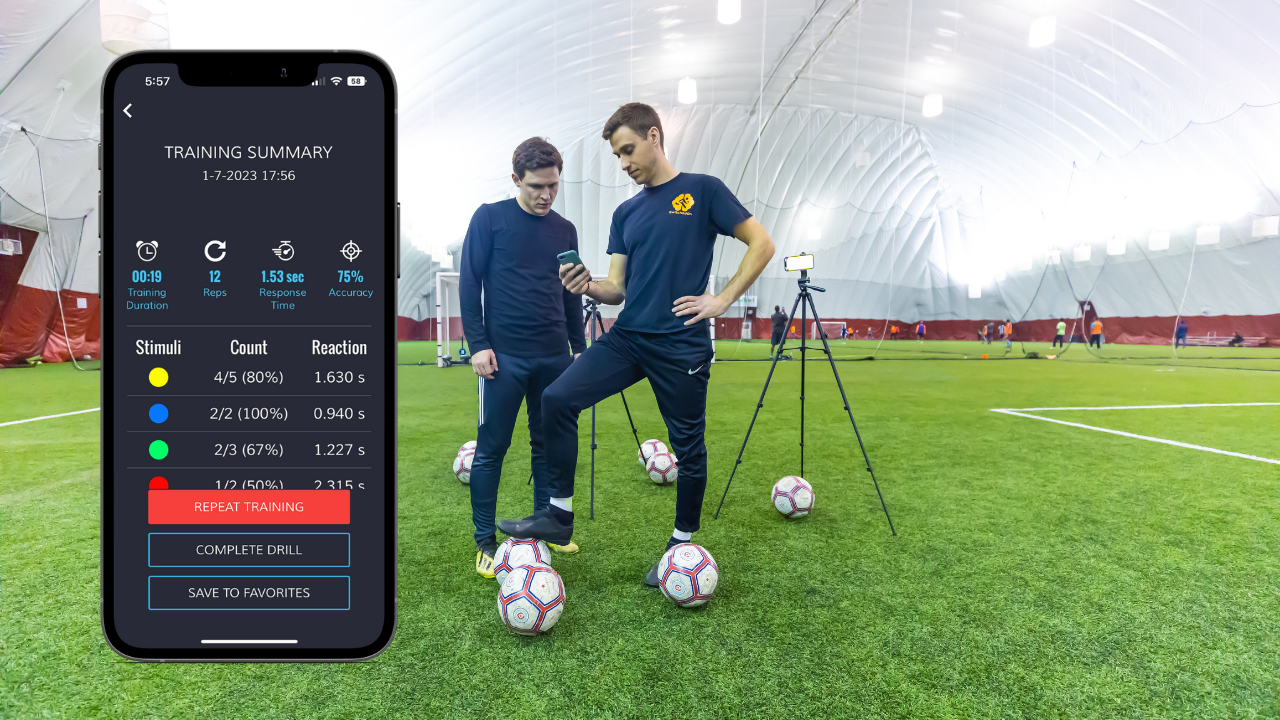
sTEP 4
ANALYZE AND IMPROVE
Track your progress through measures such as response time, accuracy, and effort so you can stay focused, motivated, and reach your goals.
FAQ
-
Here is a tutorial video to walk you step-by-step through the process.
-
Yes! Here is a tutorial video to walk you step-by-step through the process.
-
Yes! Here is a tutorial video to walk you step-by-step through the process.
-
Yes! When creating a drill, scroll down on the ‘stimuli’ page, and you will see an area to upload your own custom images or audio recordings.
-
Offline mode is a Pro feature that enables you to train without any internet connection.
-
Yes! When creating a drill, choose ‘touch’ on the ‘transition’ page, and you can create standardized drills that measure response time and accuracy.
-
Yes! You can connect unlimited iOS and Android devices to create an advanced reaction training system using just your mobile devices. Click here to learn more.
-